In stock
€24.90 including VAT
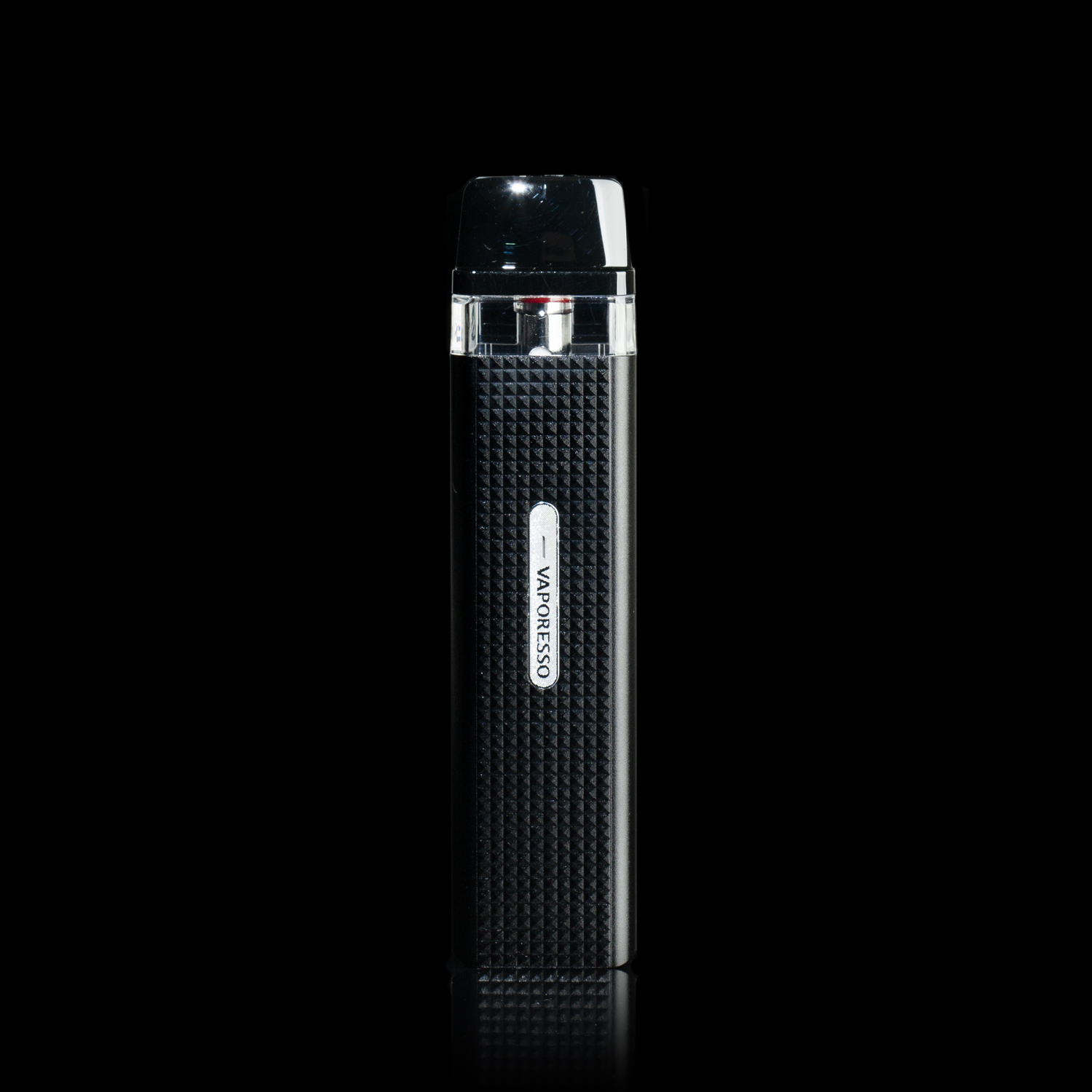
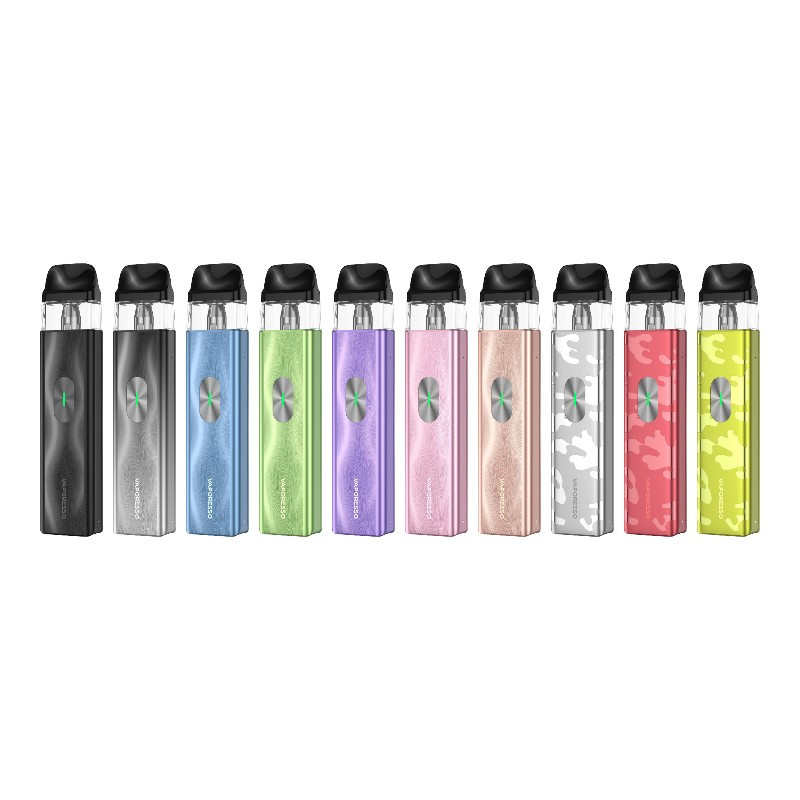
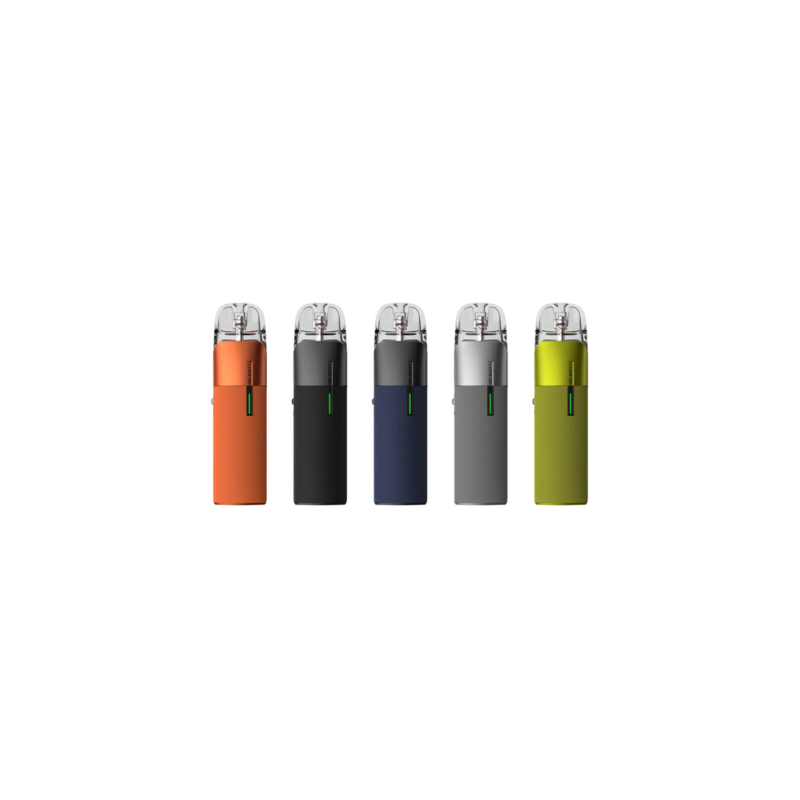
The Vaporesso Xros 6 has an 1800 mAh battery and reaches 30 W. Its 0.88-inch color screen supports the settings, with Xros COREX 3.0 cartridges.
Checking availability…
The Xros 6 combines a built-in 1800 mAh battery with a 0.88-inch color screen. Its output reaches a maximum of 30 W. The display lets you check power and remaining charge; the device recharges through USB-C.
This Vaporesso uses Xros cartridges, including COREX 3.0 versions. The 0.6 Ω and 0.8 Ω values are among the compatible options. The slider on the side of the body adjusts airflow: a smaller opening restricts the passage, while a larger opening lets more air in.
Choose your settings to suit the cartridge installed. The 30 W figure is the device's limit and should not be applied indiscriminately to every coil. Because the heating element is integrated, the whole cartridge is replaced when it is worn out.
Remove the mouthpiece to access the filling point, then close it again after adding liquid. Allow a new cartridge's wick to soak before vaping. Check the remaining liquid during use and wipe any condensation from the base of the pod before putting it back in place.
Open the fill port at the top and pour the e-liquid into the tank. Close it carefully. If the cartridge is new, wait for the coil to soak before triggering the kit. Install the cartridge and adjust the airflow to the draw you want.
Choose button or draw activation. Check the screen to follow the information shown by the device. Recharge the battery with the USB-C port. If the output is off, check the e-liquid level, then the condition of the cartridge. Wipe the contacts during changes.
Find the other items in this family.